AI can write code in seconds. Cool! But getting it to build the right thing? That’s the hard part 😅.
A short prompt might describe the feature, but it usually leaves out the important stuff: who the users are, what the data rules are, how security works, how the pieces fit together. And then the AI fills in the blanks… with its own guesses.
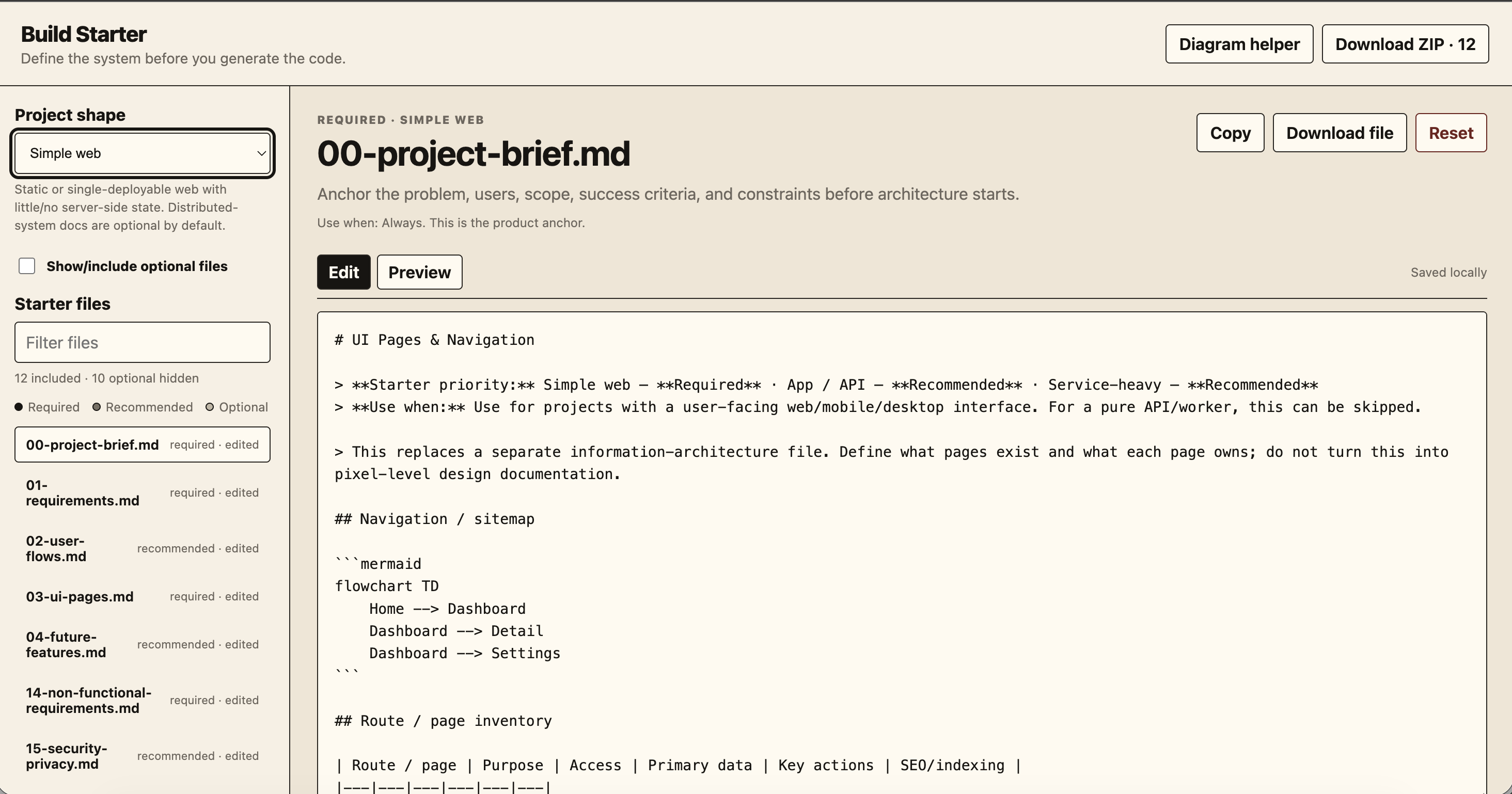
So I made Build Starter. It doesn’t generate code. Instead, it helps you give your AI coding assistant a better blueprint to work from. Plan first, code later 📐.
🔎 Overview
- Goal: Turn product ideas into structured, editable project docs before anyone (or anything) starts coding.
- Best for: Developers planning a website, an API-backed app, or a service-heavy system.
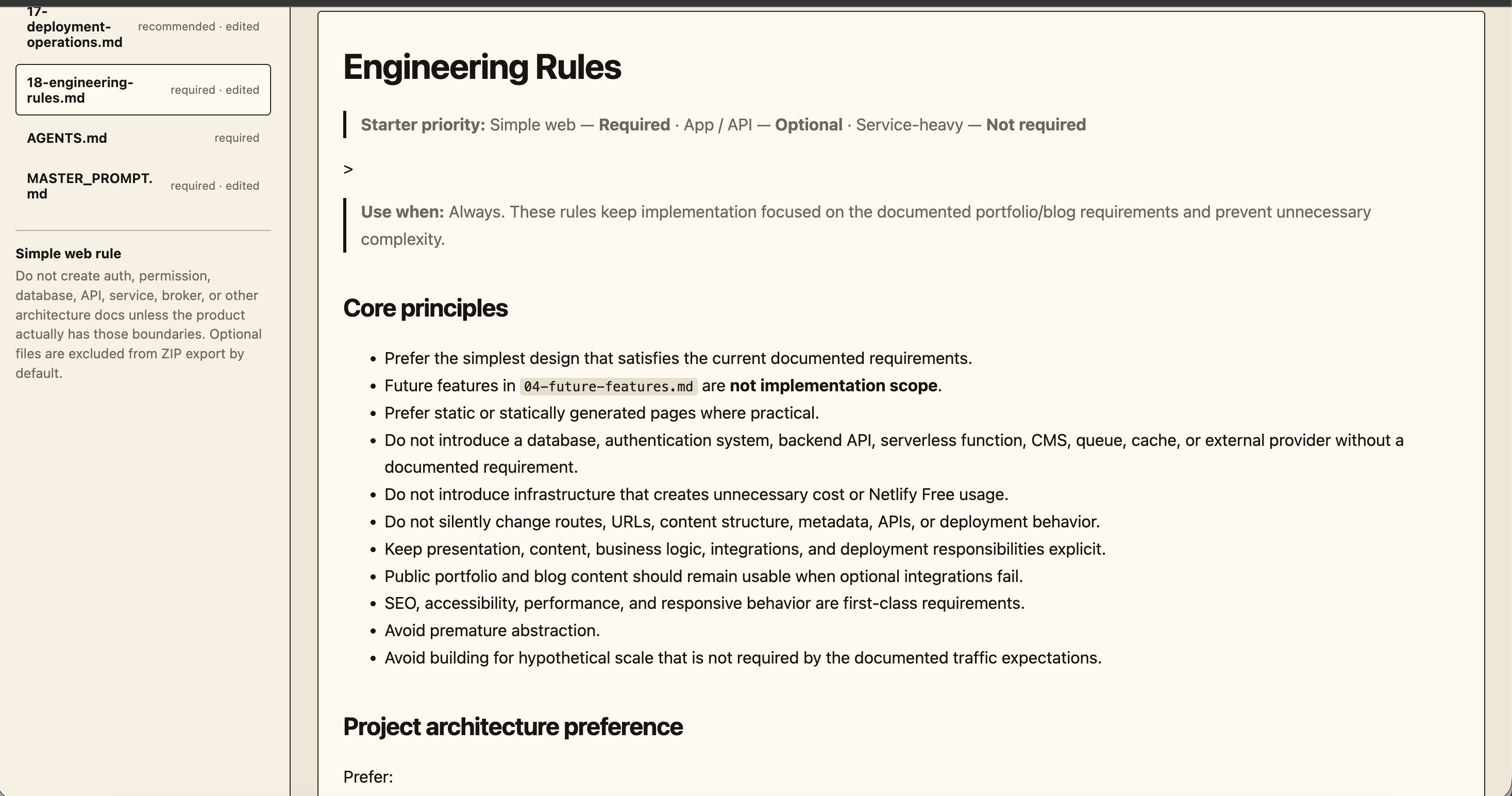
- What you get: 22 Markdown templates, Mermaid diagram helpers, and single
.mdor ZIP downloads. - Under the hood: Plain HTML, CSS, and JavaScript. No framework, no database, no backend, no account.
Fun fact: this very portfolio site was planned with Build Starter 🙋♀️. The docs/ folder and AGENTS.md in its repo came straight from these templates. I eat my own cooking!
🗺️ How Everything Connects
Build Starter runs entirely in your browser. Templates give you the starting content, your edits are saved locally, and the finished docs can be exported and dropped into a repo or handed to a coding assistant.
flowchart LR
    A[Developer] --> B[Build Starter Web App]
    C[22 Markdown Templates] --> B
    B <--> D[(Browser localStorage)]
    B <--> E[Mermaid Diagram Helper]
    B --> F[Markdown or ZIP Export]
    F --> G[Project Repository / AI Coding Assistant]
The simple version: pick a template, describe your system, add a diagram if you need one, and export. No server ever touches your drafts.
🔨 How It Works
- Choose your project shape. Start with Simple web, App / API, or Service-heavy.
- Keep what matters. Each template is marked Required, Recommended, or Optional for that shape. Optional files stay hidden unless you want them.
- Fill in the decisions. Problem, user flows, architecture, APIs, security rules, and whatever else your project actually needs.
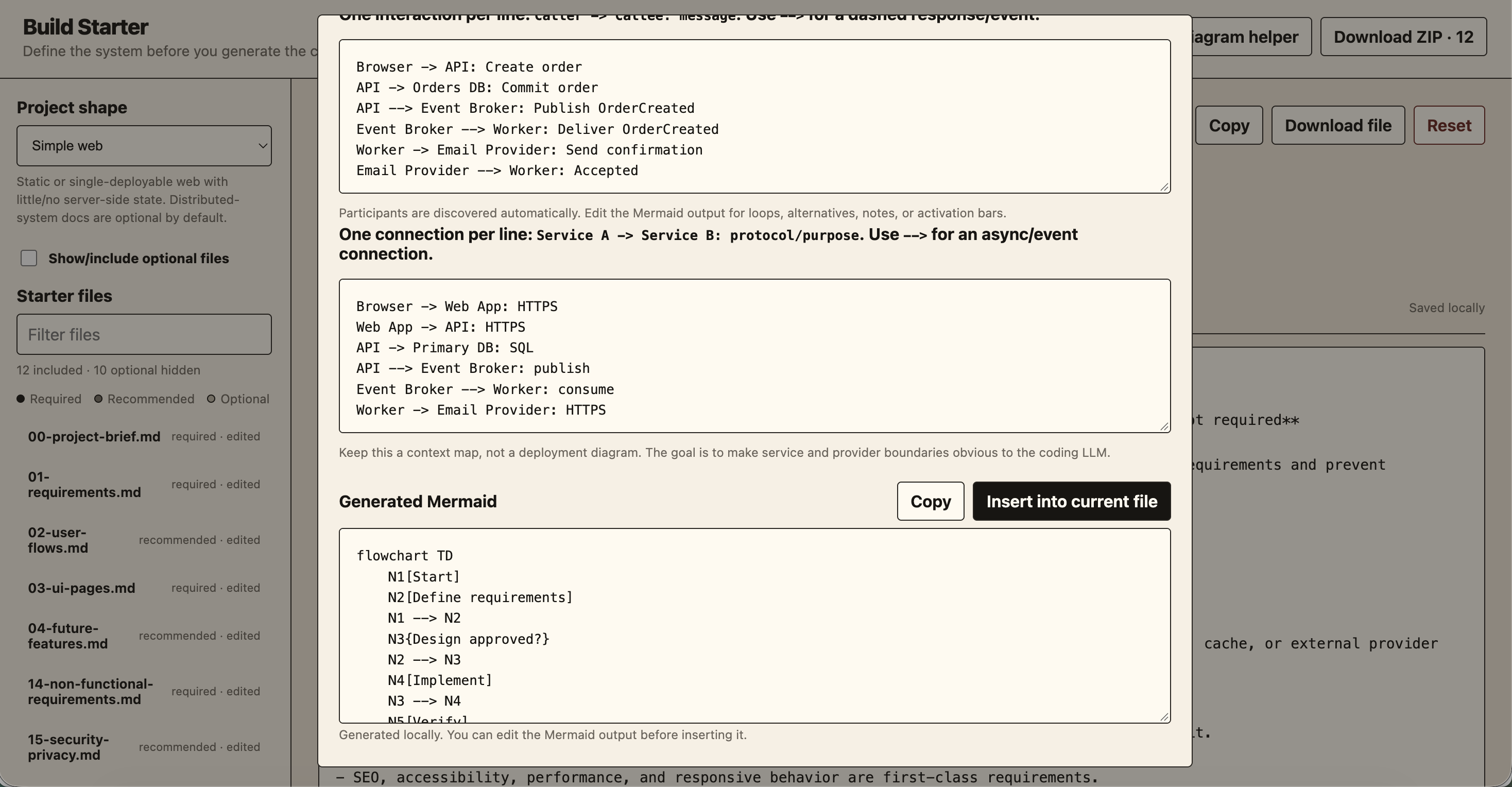
- Sketch the system. Generate editable Mermaid code for a flowchart, ERD, sequence diagram, or service map, then pop it into a doc.
- Export the handoff. Download one Markdown file, or a ZIP with your selected docs plus
AGENTS.mdandMASTER_PROMPT.md.
📏 Pick the Right Level of Detail
Not every project needs a distributed-systems playbook. (Your landing page does not need an event-driven architecture doc, I promise 😆.) The presets keep the docs proportional to the work:
| Project shape | Good fit | Documentation focus |
|---|---|---|
| Simple web | Landing pages, static sites, small frontends | Scope, UI, requirements, testing, engineering rules |
| App / API | Full-stack apps with a backend and database | Domain model, architecture, storage, API contracts |
| Service-heavy | Multiple services, workers, or integrations | Service boundaries, events, resilience, operations |
The templates also keep commonly mixed-up topics apart: authentication vs. authorization, domain models vs. database schemas, and today’s requirements vs. future ideas. That last one is my favorite, because it stops “maybe someday” ideas from sneaking in as accidental features.
📦 What’s in the Export?
Just normal Markdown files. No weird proprietary format! For example:
docs/
  00-project-brief.md
  01-requirements.md
  08-system-architecture.md
  09-database-design.md
  10-api-design.md
  ...
AGENTS.md
MASTER_PROMPT.md
The exact docs/ files depend on your preset and which optional templates you turned on. The two files at the root give guidance and context for working with coding agents.
And a little nerdy detail I’m proud of 🤓: the ZIP isn’t made with a library. I wrote a tiny ZIP builder (under 90 lines) that calculates its own CRC-32 checksums and packs the files right in the browser. Zero dependencies, still opens in any unzip tool.
🤔 Decisions I Made (and What They Cost)
| Decision | Why it works | Trade-off |
|---|---|---|
| Static, dependency-free app | Opens locally and can be hosted almost anywhere | No built-in team workspace or server features |
Browser localStorage |
Drafts survive page refreshes without an account | No cross-device sync; browser data can be cleared |
| Markdown-first output | Easy to review, version in Git, and give to an LLM | Structure still depends on people filling in good details |
| Mermaid code helpers | Quickly drafts common technical diagrams | Diagrams are editable code, not a visual drag-and-drop designer |
| Minimal Markdown preview | Keeps the tool lightweight | Not a full Markdown or Mermaid rendering environment |
🎯 When Is It Helpful?
Reach for Build Starter when your project is still taking shape, your requirements are scattered all over the place, or your AI assistant needs more context than one prompt can hold. It’s especially nice for turning architecture decisions into files that live right next to your code.
💬 Closing
Better AI-assisted development starts with a clearer spec. Build Starter just makes that first step light enough that you’ll actually do it.
Plan a little, build a lot! 🧱